A better ⌘⇧4
Shot is a screenshot app that sits in your menu bar. It uses the keys you already know.
Download Shot
brew install lorcanchinnock/tap/shot Shot runs on a Mac. Open shot.lorcanchinnock.com on yours.
Let go of the mouse and the screenshot is already copied and saved. A little card shows up in the corner, and you can drag it straight into a message.
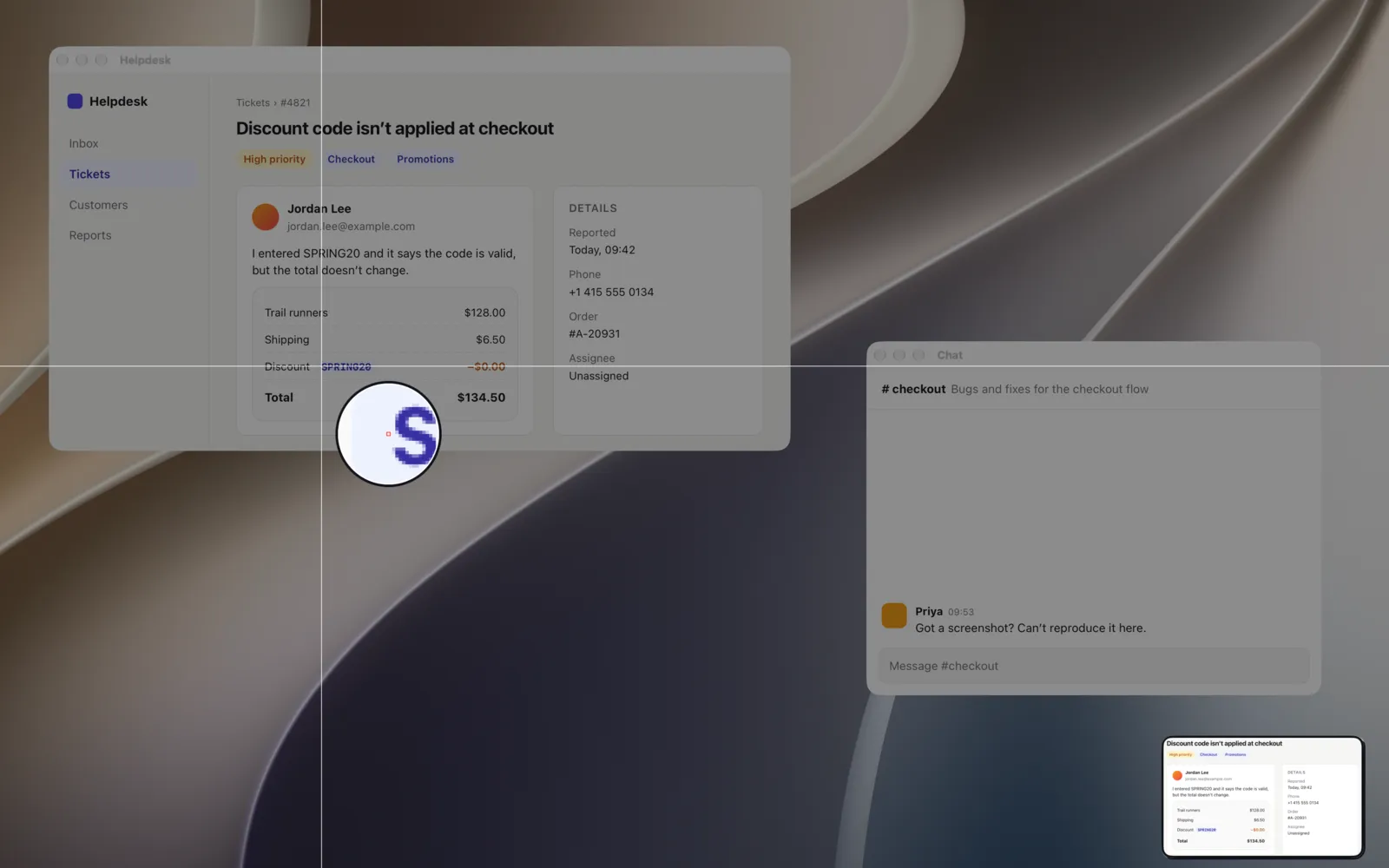
Press A for an arrow, or B to blur a phone number.

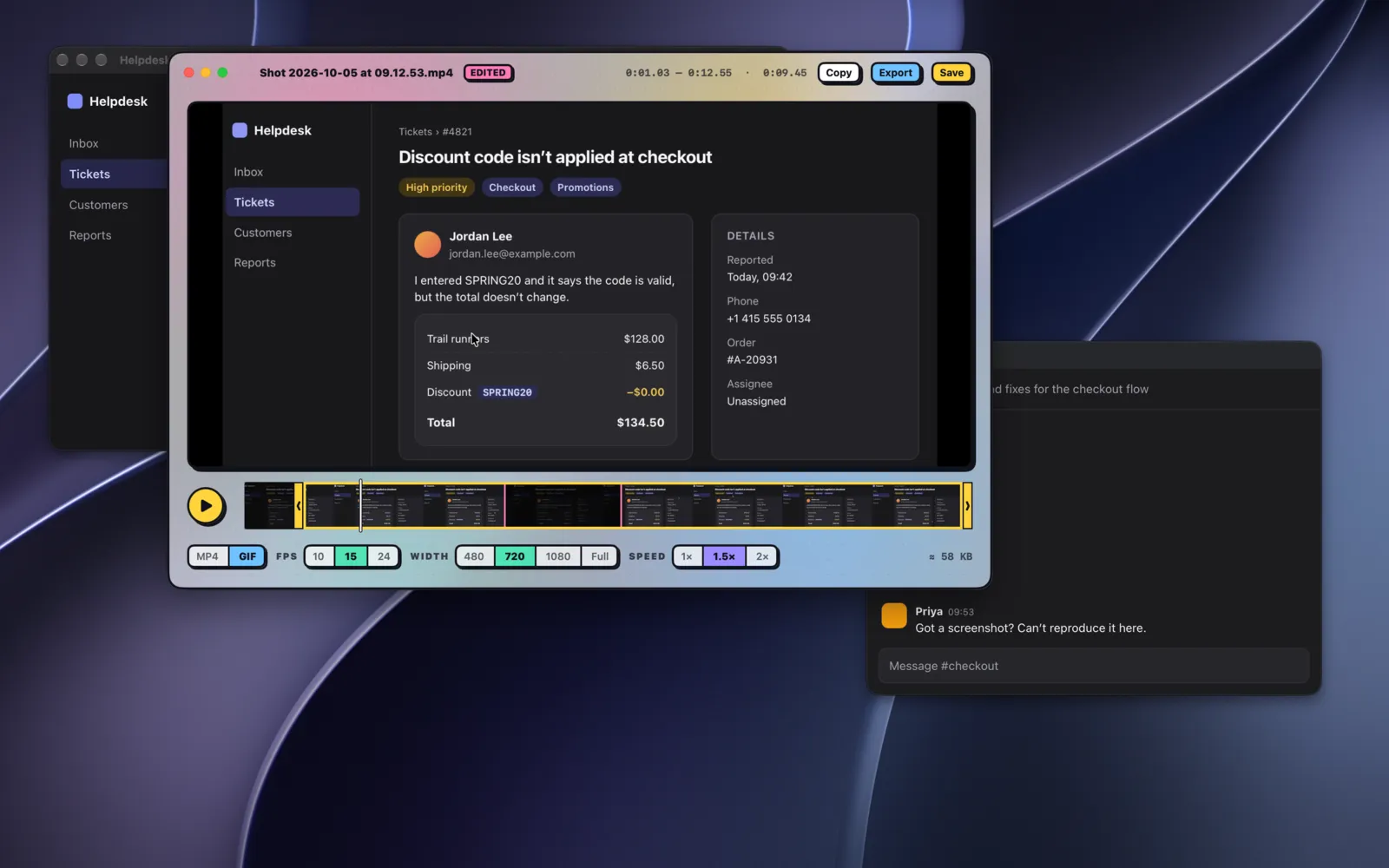
⌘⇧5 records instead. Your face can come too.
Then cut the part where you went looking for the right tab, and save it as a GIF.
There's no account to make. Shot only goes online to check for updates, and it asks you first. The code is on GitHub if you want to look.
Everything else is in the guide.
Install
brew install lorcanchinnock/tap/shot Or download the zip and drag Shot into Applications.
Shot runs on a Mac. Open shot.lorcanchinnock.com on yours.
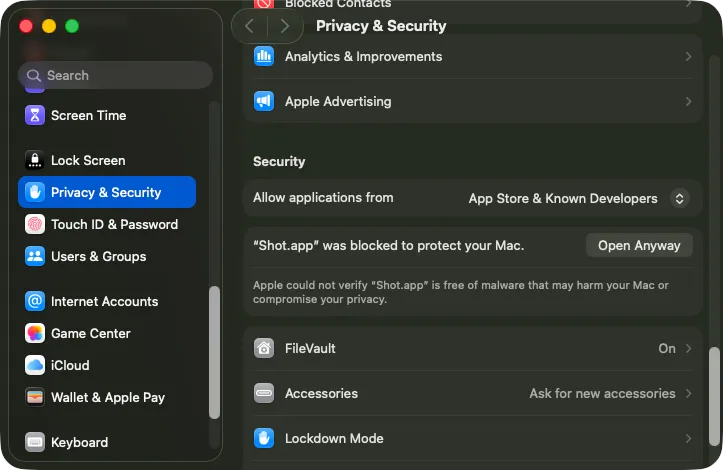
Shot isn't notarized by Apple yet, so macOS blocks it the first time. Open System Settings, go to Privacy & Security, and click Open Anyway.